

Can everyone read your notes?
A small formatting mistake can make studying difficult—or even impossible—for some of your classmates!
No worries! Come learn how you can make a meaningful contribution!
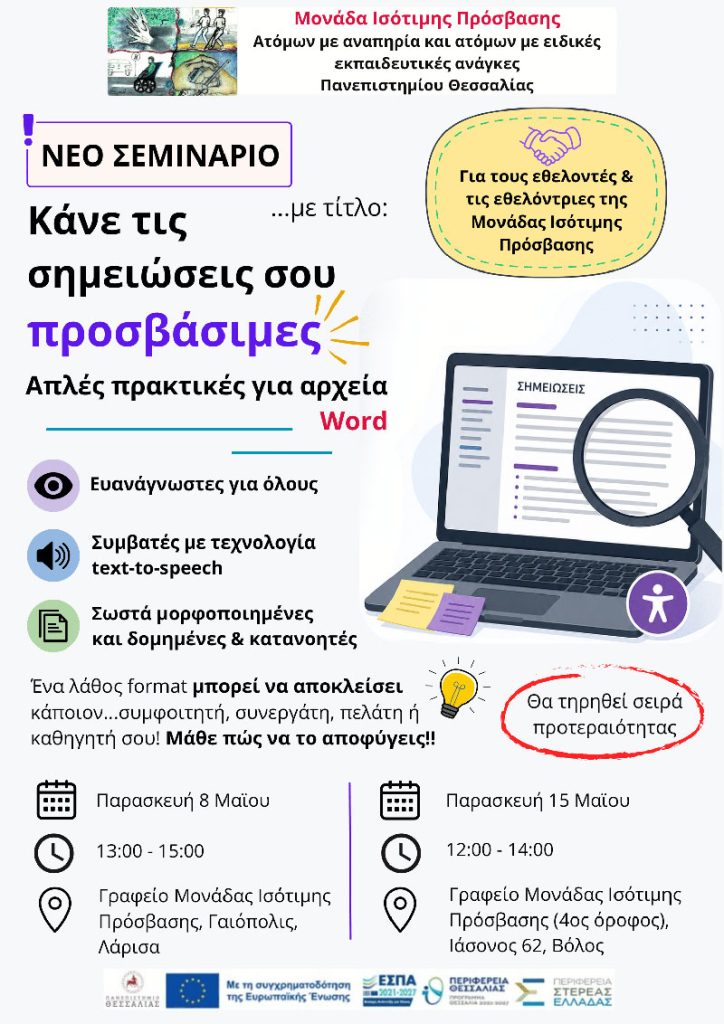
The Accessibility Center for individuals with disabilities at the University of Thessaly is organizing a seminar for volunteers, titled:
“Make Your Notes Accessible”
Simple practices for Word documents
In this workshop, you will learn basic principles and ways to create digital notes that are:
- easy to read for everyone
- compatible with text-to-speech technology
- properly structured, well-organized, and easy to understand
The seminar will take place on:
- Friday, May 8 at 13:00, Accessibility Center for individuals with disabilities, Geopolis Complex, Larissa.
- Friday, May 15 at 12:00, Accessibility Center for individuals with disabilities, Meeting Room – 4th floor, 62 Iasonos Street, Volos.
If you wish to participate in the seminar, please contact us by phone (2231060223, 2421074214, 2410684396) or send an email to prosvasi@uth.gr.
Participation will follow a first-come, first-served order.
Participation requirement: You must have a laptop with MS Office 365 installed, which you should bring with you to the workshop.
If you do not have MS Office 365 or if you have any questions, please contact us before the scheduled date of the workshop at:
2231060223, 2421074214, 2410684396.
To install Microsoft 365 (Office 365) on your computer, you can follow the instructions provided by the IT Services of the University of Thessaly. It is not necessary to uninstall any previous version of Office you may have installed.
Small details — big difference in studying!